

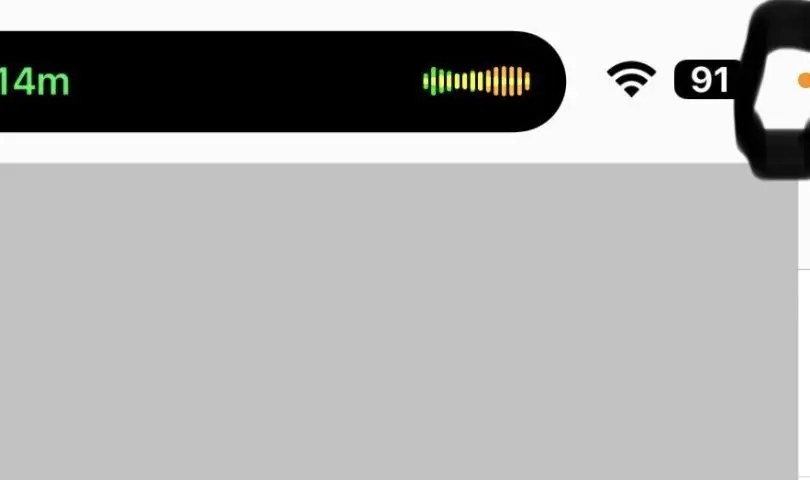

Ever noticed a yellow or green dot near your battery icon while on a call? These indicators are designed to keep you informed about your phone’s microphone and camera usage.
Yellow Dot: When the yellow dot appears, it signals that your phone’s microphone is currently being used by an app. This could be during a phone call, a voice recording, or any activity requiring microphone access. This visual cue keeps you aware of your microphone’s activity.
Green Dot: The green dot indicates that your phone’s camera is in use by an app, whether for video calls, recording videos, or other camera-related activities. Similar to the yellow dot, the green dot ensures you know when your camera is active.
These features are particularly useful for maintaining privacy and security, allowing you to quickly identify when your microphone or camera is in use. Next time you see the yellow or green dot, you’ll know exactly what it means!
Source: